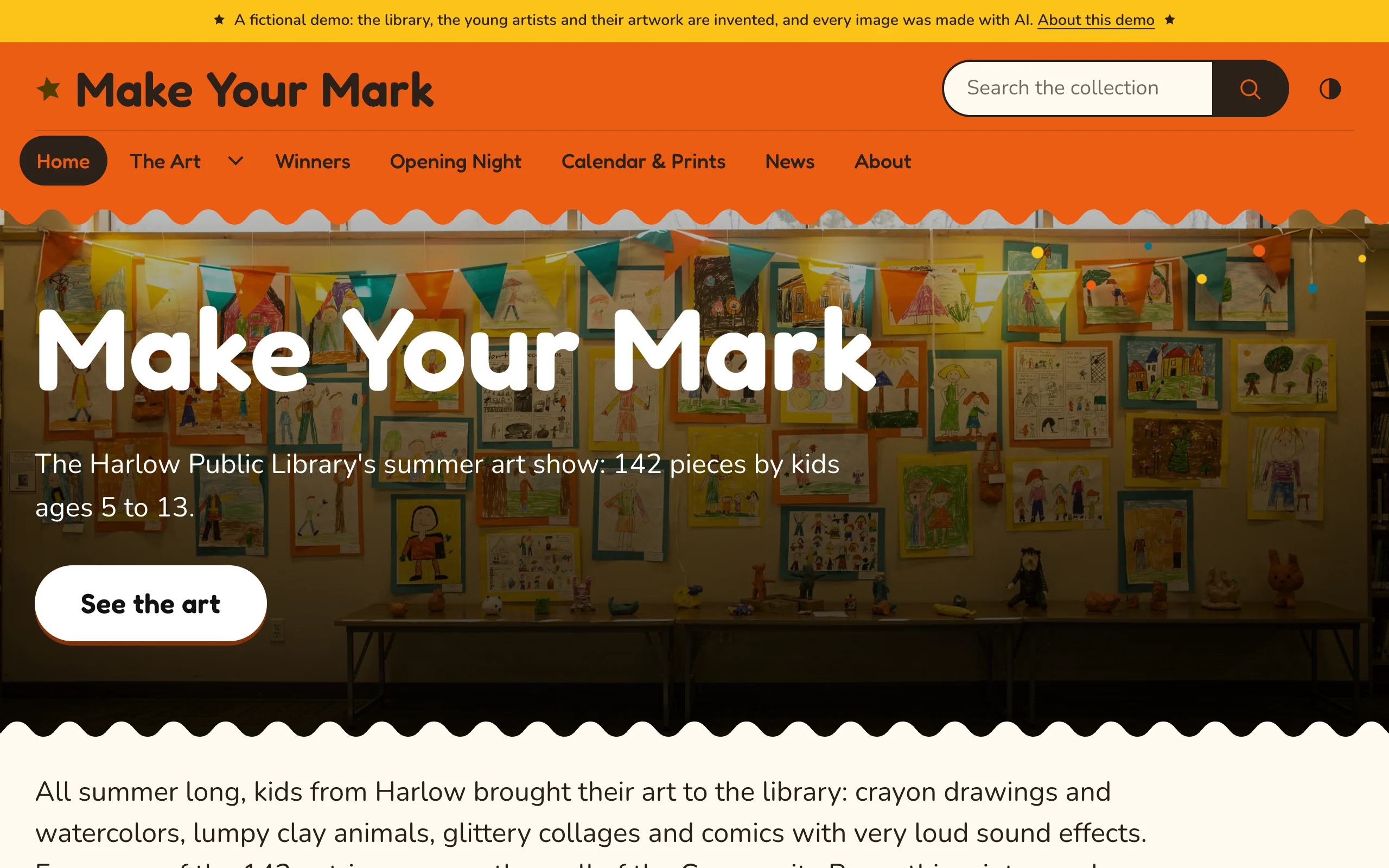
See Confetti on a working site: Make Your Mark, a library's summer art show for kids.
Requirements
- Omeka S 4.2 or later
- PHP 8.1 or later
Confetti has no other requirements. Its fonts, icons and scripts are included and served from your own site.
Installing
- Unzip the theme and copy the
confettifolder into thethemes/folder of your Omeka S installation. - In the admin, open your site and choose Theme.
- Select Confetti and click Save.
- Click Edit theme settings and choose a palette. See First steps.
The theme is now used by that site. Each site in your installation chooses its theme and keeps its own settings.
Optional companions
- Design Studio adds a live-preview customizer: change settings beside your site and publish when you are ready.
- BlockSuite adds hero, call-to-action, statistics, timeline, slider, tabs and accordion blocks in Confetti's style.
Upgrading
Replace the themes/confetti folder with the new version. Settings are stored with each site, so they are kept. Read the changelog for anything new to set up.
Switching from another RefBytes theme
Block templates and page templates have the same names in every RefBytes theme, so pages built with Vitrine keep their templates in Confetti, drawn in Confetti's style. Theme settings are stored per theme: after switching, set Confetti's palette, logo and footer once. The arrangement of item pages (Configure resource pages) is stored per theme too. Confetti starts from the same arrangement as Vitrine, so arrange it again only if you had changed it in Vitrine.