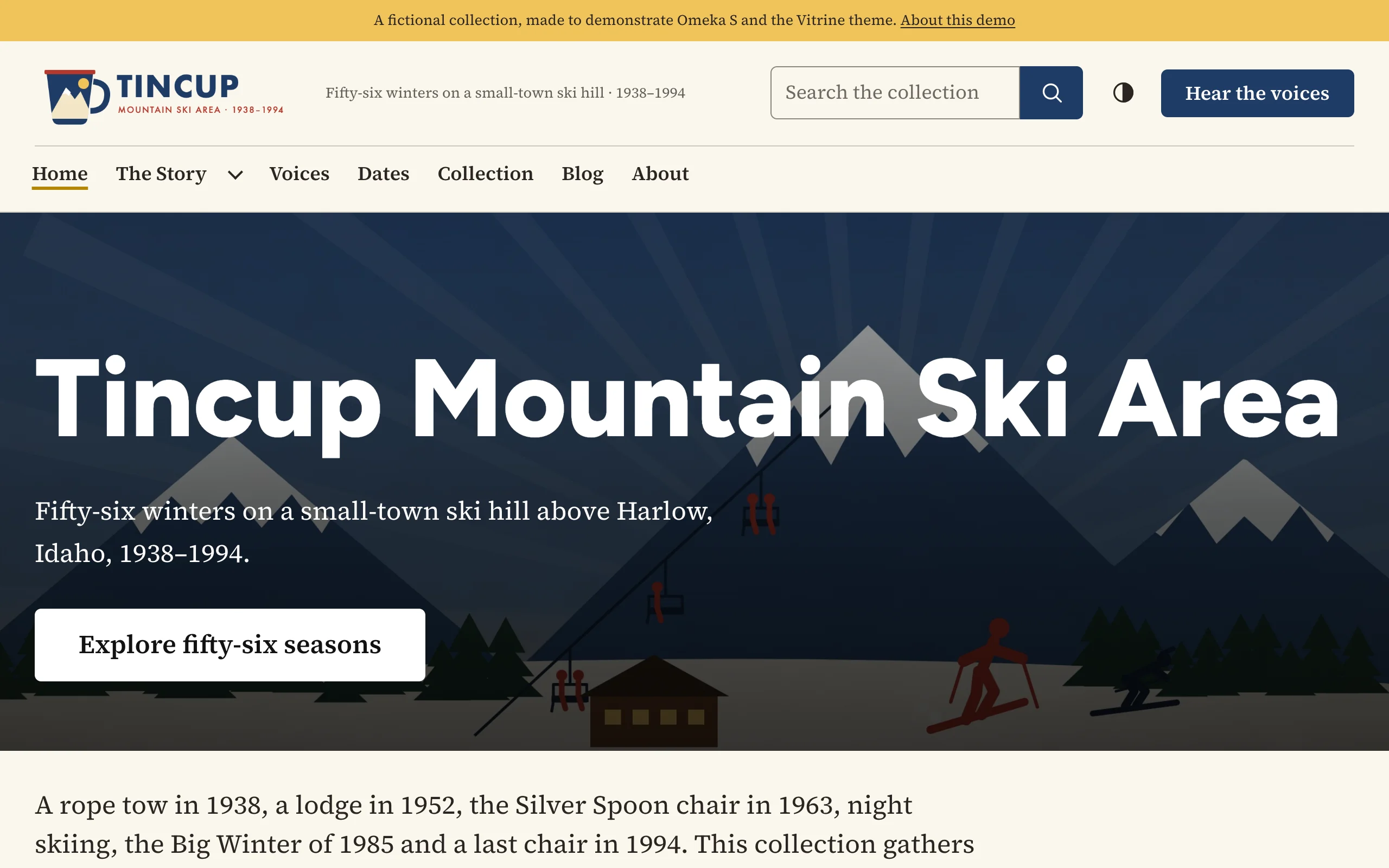
See Vitrine on a working site: Tincup Mountain, a fictional ski area's collection.
Requirements
- Omeka S 4.2 or later
- PHP 8.1 or later
Vitrine has no other requirements. Its fonts, icons and scripts are included and served from your own site.
Installing
- Unzip the theme and copy the
vitrinefolder into thethemes/folder of your Omeka S installation. - In the admin, open your site and choose Theme.
- Select Vitrine and click Save.
- Click Edit theme settings and choose a style preset. See First steps.
The theme is now used by that site. Each site in your installation chooses its theme and keeps its own settings.
Optional companions
- Design Studio (formerly Vitrine Studio) adds a live-preview customizer: change settings beside your site and publish when you are ready.
- BlockSuite adds hero, call-to-action, statistics, timeline, slider, tabs and accordion blocks that follow Vitrine's colors and fonts.
Upgrading
Replace the themes/vitrine folder with the new version. Settings are stored with each site, so they are kept. Read the changelog for anything new to set up.
Making your own edition
To keep your own changes across upgrades, copy the theme to a new folder name (for example themes/vitrine-museum) and change name in its config/theme.ini. A copy keeps working with Design Studio. Settings are stored per theme folder, so the copy starts with its own settings.